Create a report from another report
- Step 1: Get existing report template on your local computer
- Go to you existing report
- Click on File > Save As
- A mrt file have to be downloaded
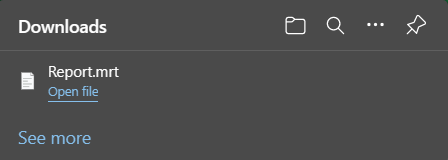
- Step 2: Open the template in a new report
- Click on File > Open
- Choose the mrt file
- Save